Alfredo
Faster than your mouse
One shortcut opens the search bar. Start typing, and what you need is already in front of you.
Free · macOS 14 or later · Apple silicon
- Alfredo
- 0.3 s
- Spotlight
- 0.9 s
- Mouse
- 4 s
Rough figures, not a benchmark: roughly how long it takes to open the same app three ways. In practice, the time varies — it depends on where the app sits, how far the pointer travels and when Spotlight decides to answer.
Apps
No more searching the Dock
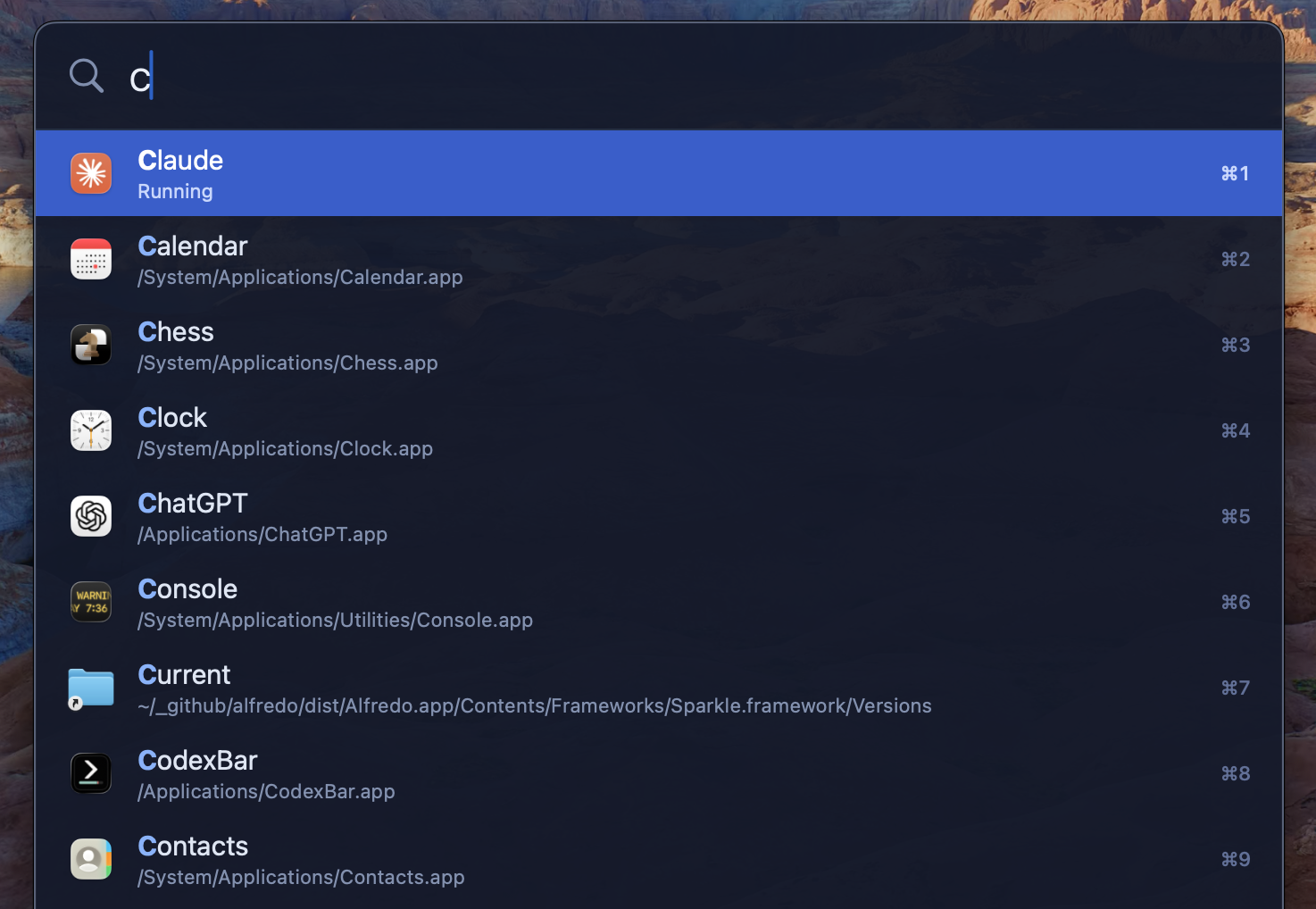
Alfredo learns which apps you actually open and keeps them at the top — the one you want is usually first before you have finished its name.
Files
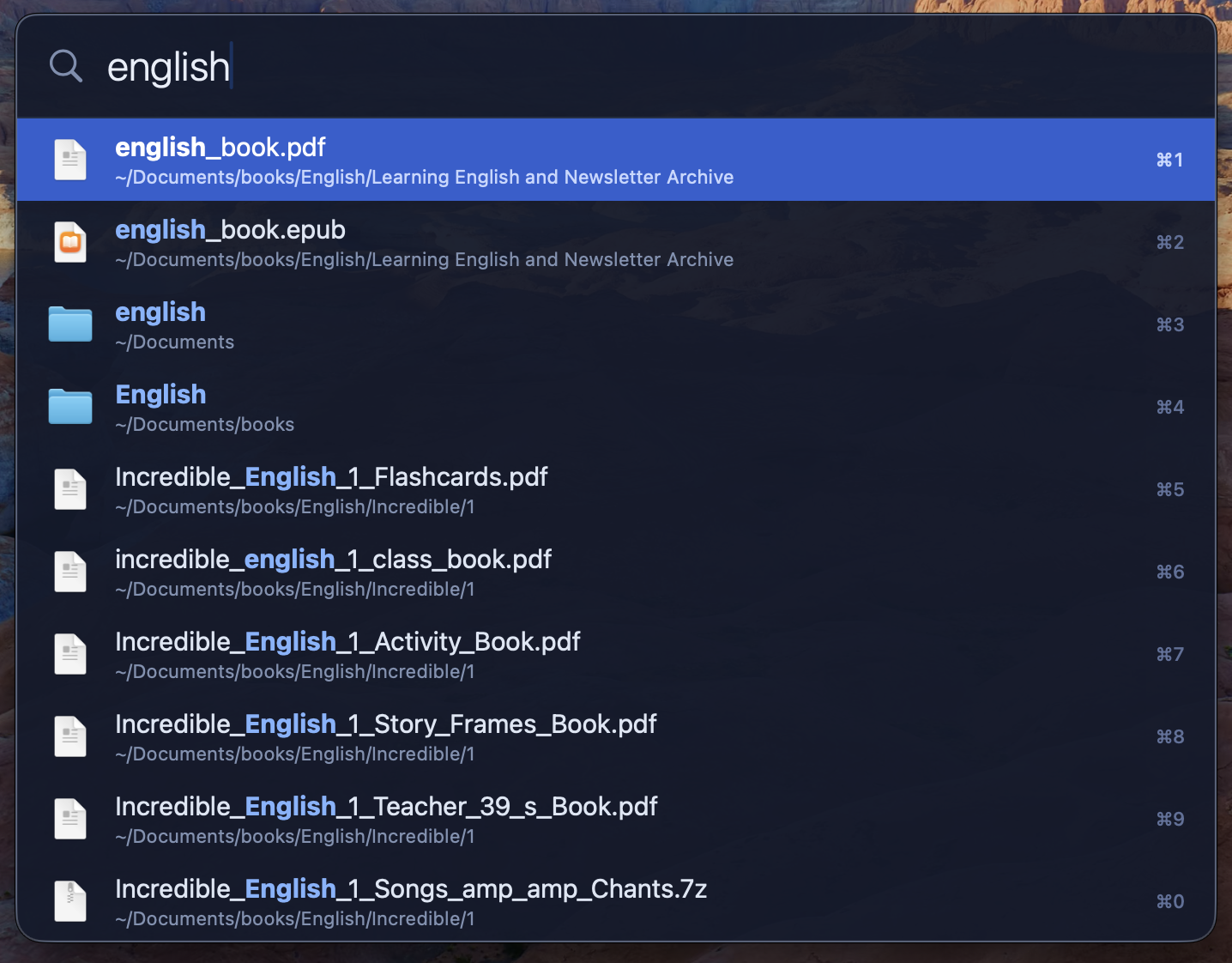
Where’s that file? Doesn’t matter.
Any part of the name will do — the beginning, the middle, or the bit you still remember. The path underneath tells you which is which.
Clipboard
Paste today what you copied yesterday
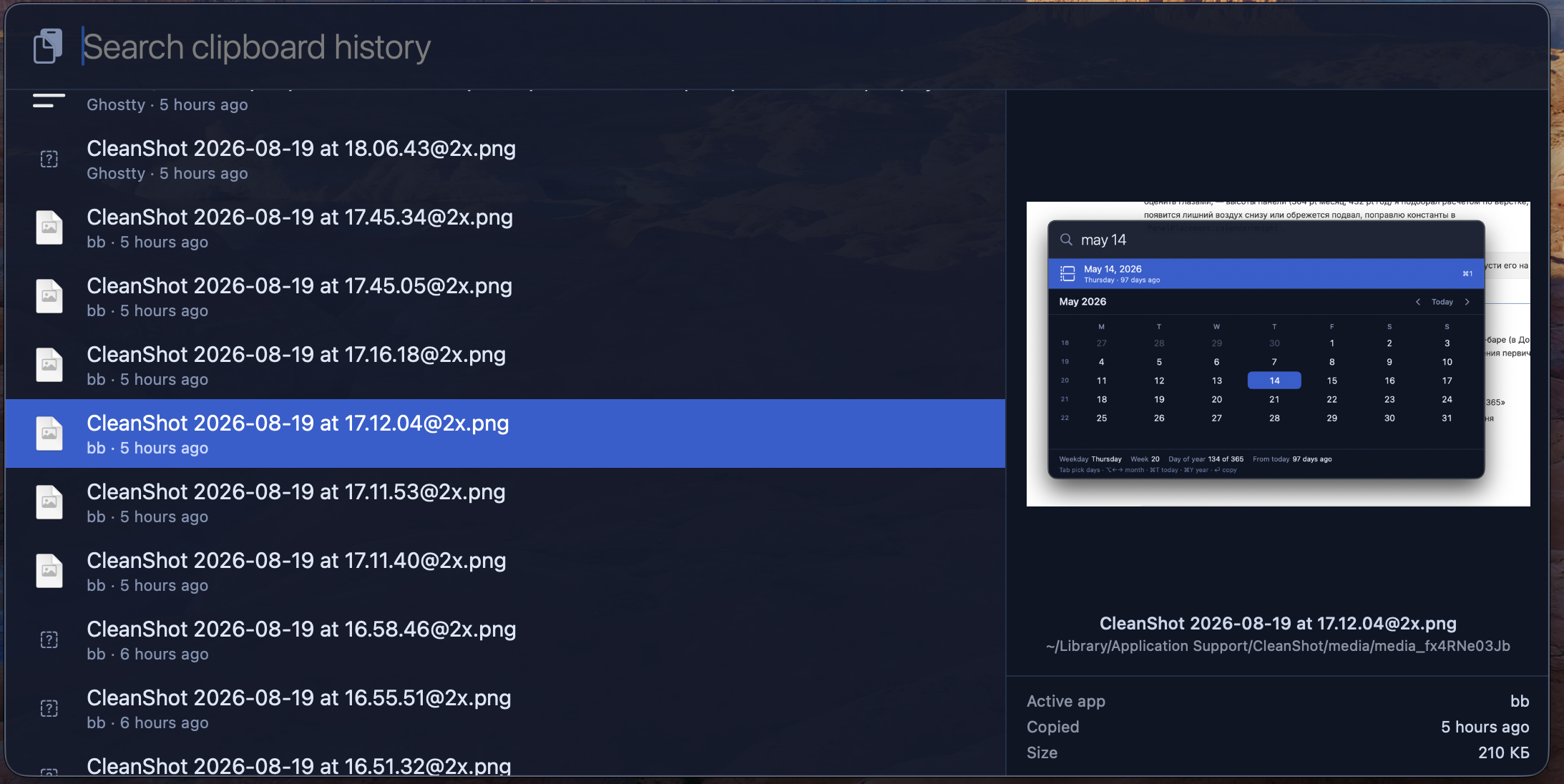
Find the text, files and images you copied before. The history stays on your Mac; protected copies and password managers are left out.
Runs in the background, always at hand
It appears when you call it and is gone the moment you are done. The rest of the time it does not distract you.
Local. Private. Secure.
Your files and clipboard never leave your Mac. The app has no accounts and no analytics, and shares nothing with advertisers or data brokers. It only goes online for updates and, if you subscribe, to activate and check the subscription.
With a subscription
A few more things
Do the math without a calculator
Type an expression and the answer appears right away — Alfredo works it out in its head. Brackets, percentages and the usual order of operations work as you expect.
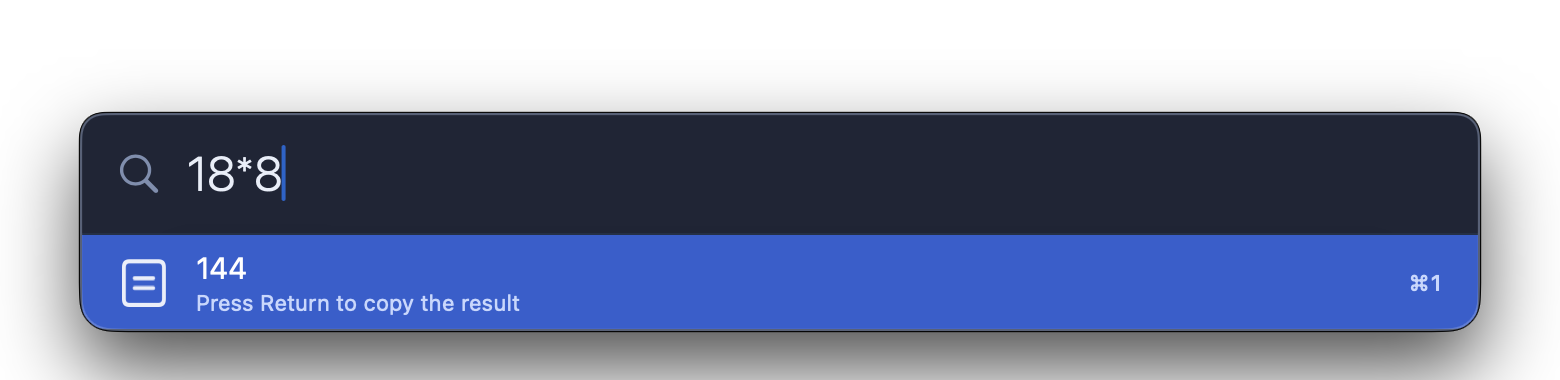
Type 18*8 and the answer is already the first row. Press Return to copy it, then paste it wherever you need.
Find out what is slowing your Mac down
Type kill and you see what is eating the processor right now, with memory and PID beside each name. Return quits the one you found — Alfredo asks the app to close the way the Quit menu item does, so it still gets to ask about unsaved work.
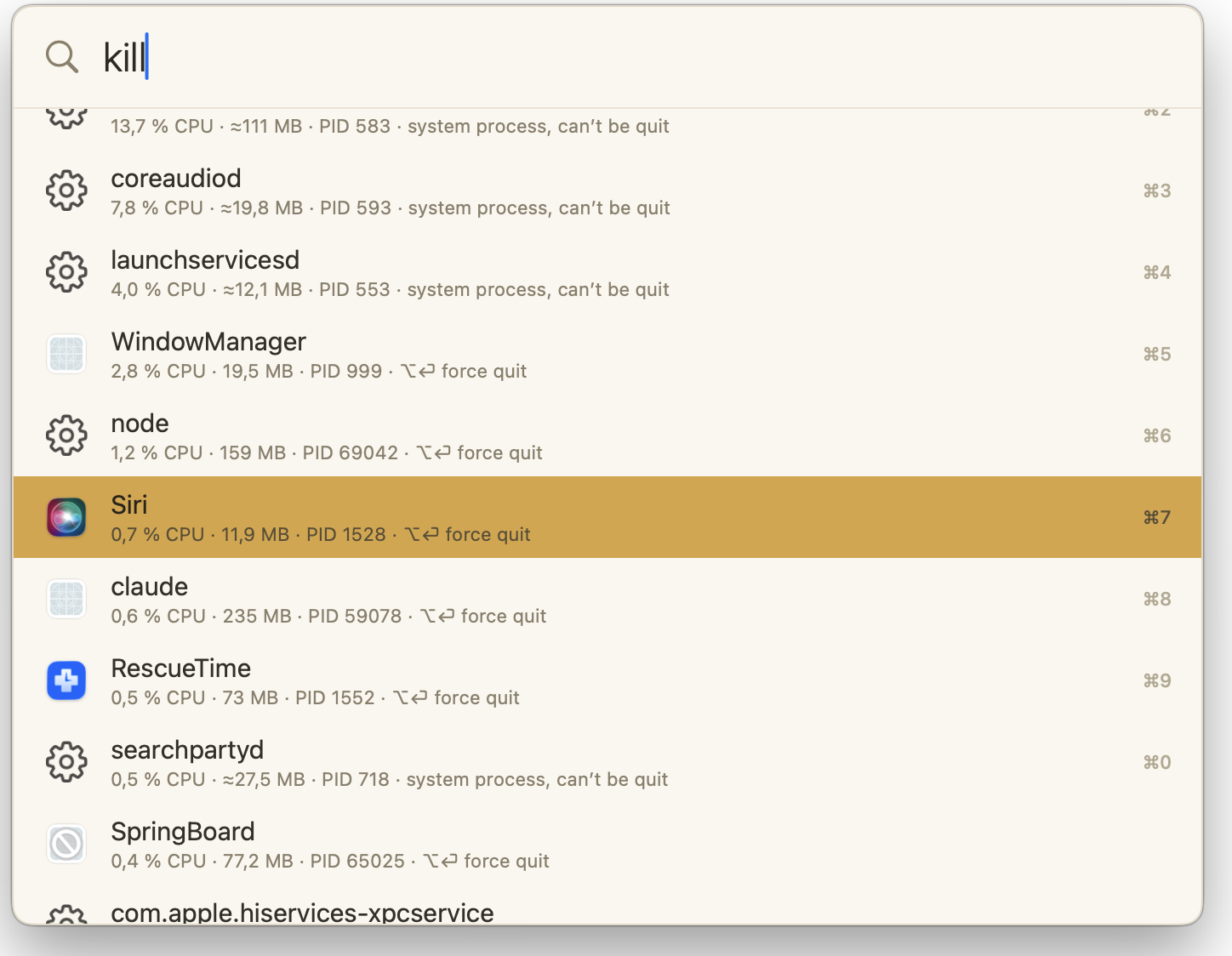
The list is sorted by processor use.
Find out who took the port
port 3000 shows who is listening on it: the process, its PID, and Return to quit it. The answer to “address already in use” takes one query instead of a trip to the terminal.
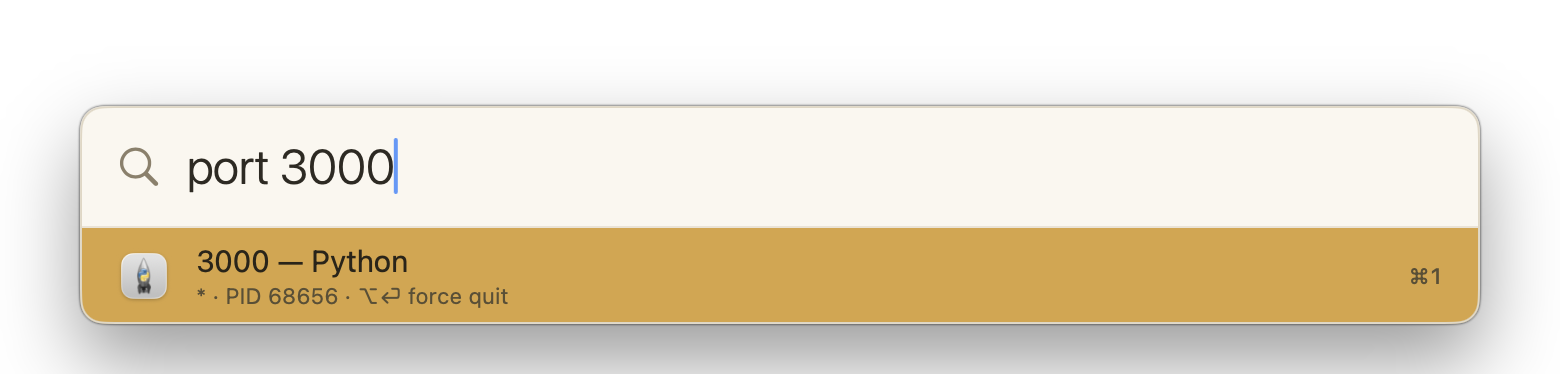
Nothing listening? Alfredo says so — the port is free.
Make it look like yours
Choose one of seven ready-made looks or make the panel your own. The editor updates a live preview as you change each color — see the result, not just the swatches.
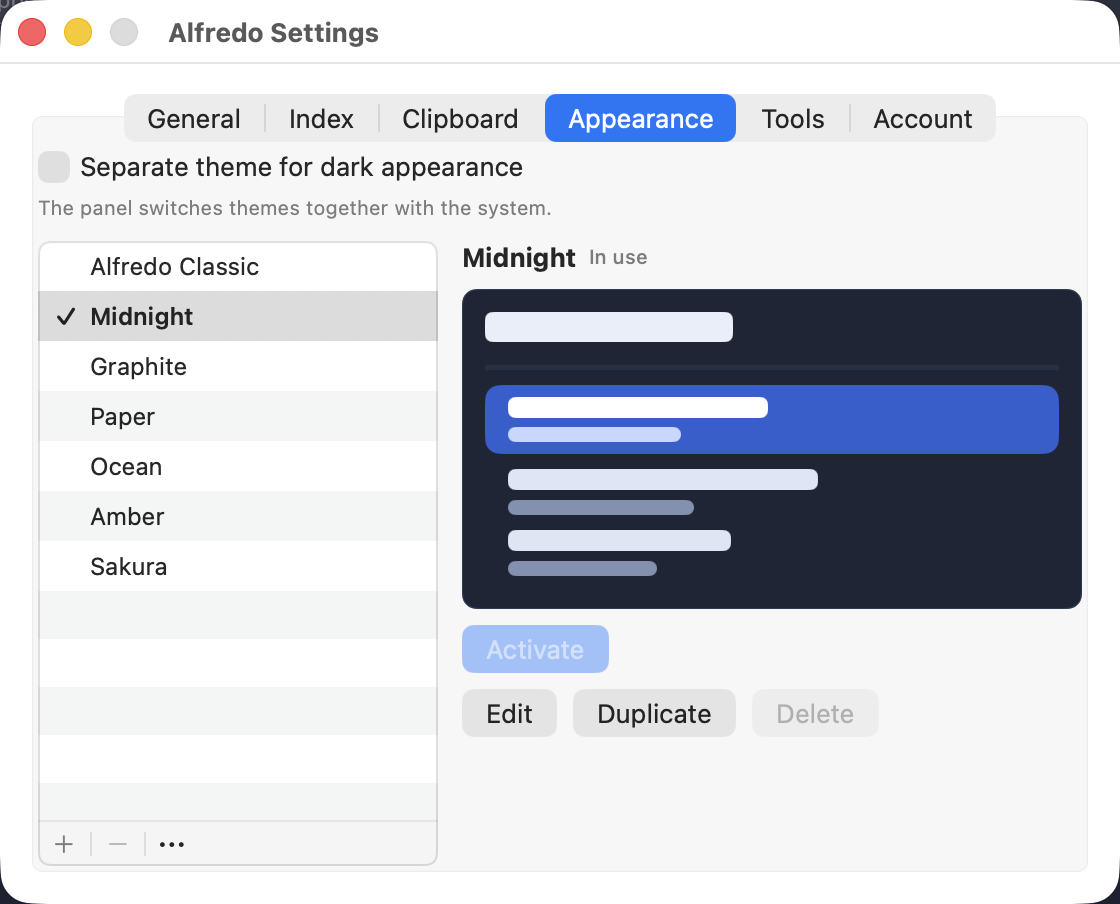
A theme is a file: share yours, or open one somebody sent you.
Check a date, count the days
Type a date — tomorrow or May 14 — and the calendar opens to the right month just below the search bar. You immediately see the weekday, week number and how far away it is. Enter a start and end date, and Alfredo counts the days between them.
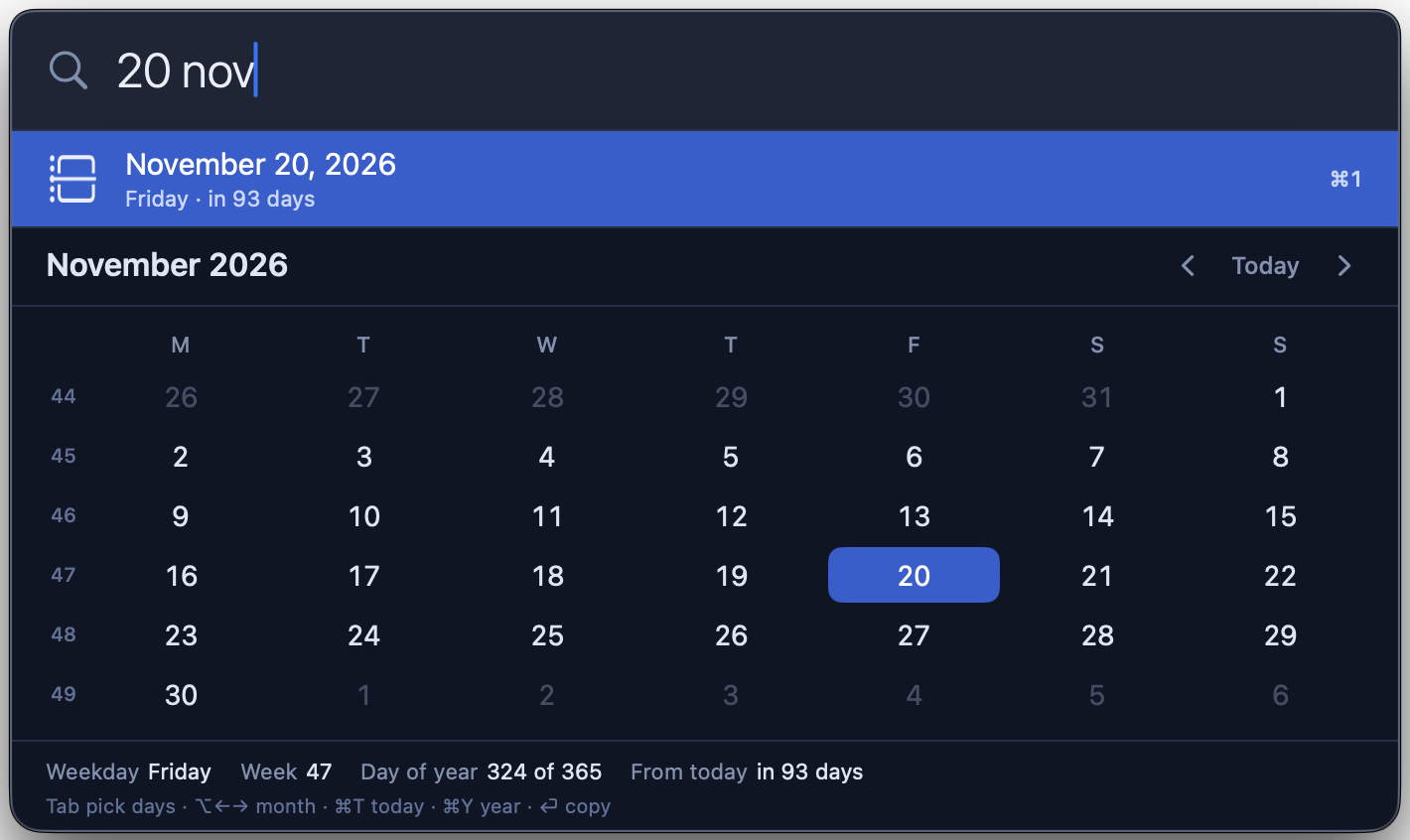
Alfredo understands dates in your preferred system languages, plus English.
One subscription covers every paid feature on up to three Macs.
Monthly
$4.99/mo
Cancel any time.
−33%
Yearly
$39.99/yr
$3.33 a month — four months free.
Subscribe in the app: Settings → Account. Start whenever you like, and cancel just as easily.
Prices include VAT or sales tax where it applies.
A second saved is an hour earned
If you open something 50 times a day, and each one takes 3 seconds less — you save a year.
Move the sliders to your own numbers — only you know how often you switch and how long it takes you today.
Free stays free
Apps, files and clipboard history will never become paid features — and they will keep improving with every update. A subscription unlocks additional tools without restricting the ones you use every day.
See for yourself
Signed by the developer and notarized by Apple. It installs without workarounds and keeps itself up to date.
Available in 10 languages
English · 简体中文 · Español · Deutsch · Français · 日本語 · Português · Русский · Italiano · 한국어
Alfredo follows your Mac’s language. Change it whenever you like — the change takes effect immediately, with no restart.